GraceCaption
GGraceCaption
Operator dashboard

Run event-day captions without making volunteers guess.

The shell now maps to the newer event bundle model: each event has an operator route, a viewer route, language staging, and transcript readiness details.

1 liveNext: Prayer Night
Safest setup: Device A captures, Device B listens.

Device A captures room audio with its built-in mic only. Device B and attendee phones open the viewer. Do not trust the same phone to capture and also feed earbuds or Bluetooth.

Split capture from listening
Event-day posture

A volunteer should be able to open this board and know exactly what to do next.

The operator side now feels like part of the same finished product as the homepage — calmer visuals, clearer hierarchy, and a church-first setup flow instead of a generic admin panel.

  • Open the right event first
    The event board is the starting point, not an afterthought.
  • Keep the audio path clean
    Capture stays on one device so the live feed stays reliable.
  • Hand out direct viewer links
    Attendees should not need coaching just to follow the message.
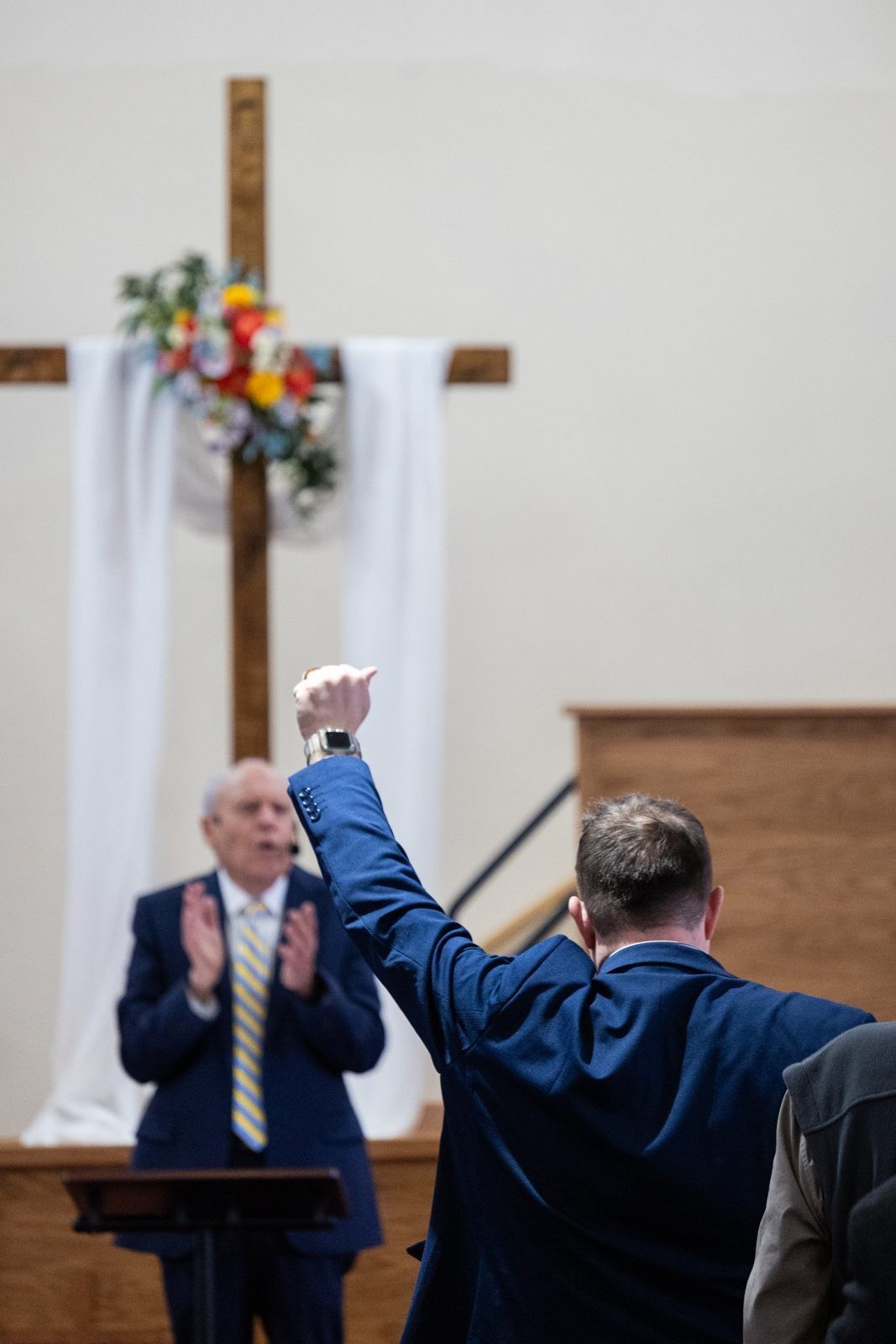
Church worship gathering from the sanctuary.
1
Live sessions
4 tracked events in the shell
4
Viewer routes
Every event has a direct viewer path
3
Supported languages
Source + target language presets
2
Archive-ready events
Derived transcript artifact available

Fastest path for tonight

Open the operator runbook on the event you are actually serving, then hand viewers the direct language links.

Single live event flow
  • Device A — capture only
    Place it near the front, use the built-in mic, and keep Bluetooth and earbuds disconnected.
  • Device B — viewer/listener only
    Open the viewer page directly in English first, then the needed translated text feed if someone needs it.
  • Volunteer instruction
    If anyone wants earbuds, they must use a different phone than the capture device.

Before the event starts

Quick checks that prevent the most likely live failure.

  • Kill Bluetooth on Device A
    AirPods and speakers can silently take over the mic route or monitoring path.
  • Do a spoken room test
    Use real sermon volume for 10 seconds, not a whisper next to the phone.
  • Keep English as fallback
    If translated output trails the room, listeners can swap to English captions instantly.

Service board

This is the top-level operator flow: pick an event, open its runbook, then launch viewer routes and language feeds.

Bundle-backed mock data

Midweek Teaching — Archive Replay

Student Center · Pastor Elena Brooks

Archived
Mar 22, 10:00 AM1 target languagesEN source feedTranscript locked

Readiness snapshot

Fast reassurance before the event starts, without any external provider wiring.

  • Bootstrap payload
    Viewer and operator screens can both start from a single LiveEventBundle.
  • Realtime contract
    Mock envelopes already match the planned caption and translation upsert stream.
  • Persistence lane
    Segments remain individually addressable by sequence and revision for later database writes.
  • Deploy posture
    The shell is app-only and can ship before auth, workers, or Supabase are connected.